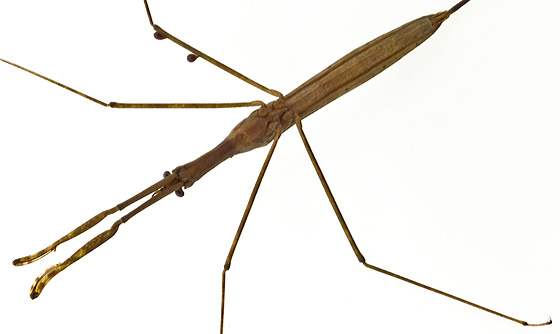
RANATRA - Walking Stick Bug

Click each header at the bottom to open it. Double click to close.

OpenGL Ranatra

Real Ranatra

CLICK TO VIEW INFORMATION

MODES

Press the middle mouse button to select the mode.

REST/RESET Mode

Here, the bug is not moving, which is its default mode when the program starts.
By selecting certain numbers on the numeric keypad, you can select different body parts for rotation.
This mode resets everything to the default values.
  • 1 selects the entire body for rotation around the y-axis.
    This is the default value when mode is started.
  • 2 selects the insect femurs for rotation around the z-axis.
  • 3 selects the insect legs for rotation around the z-axis.
  • 4 selects the insect feet for rotation around the z-axis.
Any part selected will have a slightly blue color while the rest of the bug remains brown,
and the body parts can be rotated using left and right clicks.

WALK Mode

Here, the bug is moving its legs, similar to a walking motion.

JUMP Mode

Here, the bug jumps a short distance into the air from its default location,
then teleports back and repeats the action.

SPIN Mode

Here, the bug rotates around the y-axis continually. The direction it rotates
can be changed with a left or right mouse click. It's a lot like moving in rest mode,
except there is no mouse action to keep it moving.
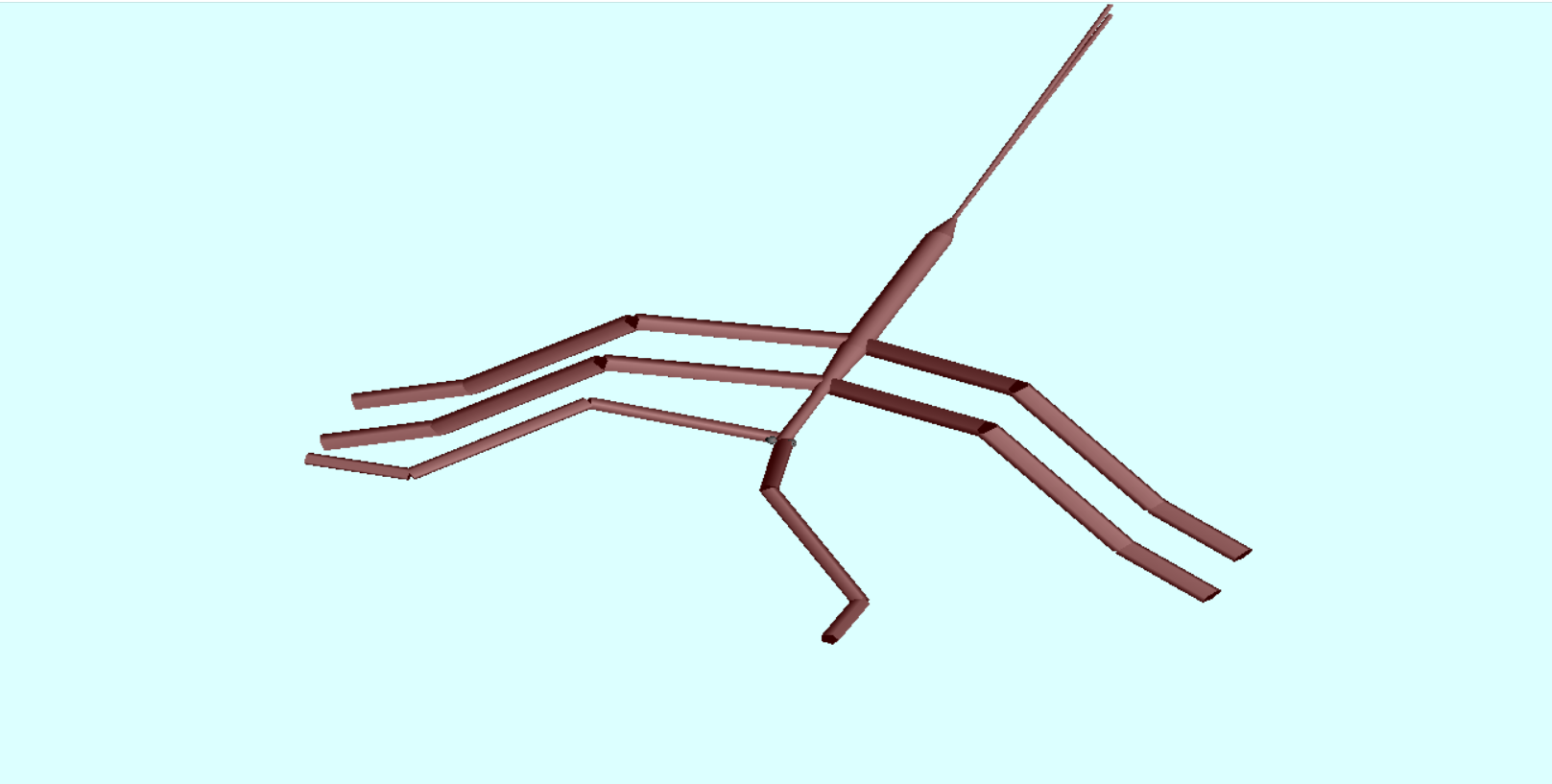
FUNCTIONS

These functions can be changed during ANY mode.

  • Camera Rotation Around Scene
    The camera can be rotated around the scene to view the bug from different positions.
    • W and S to rotate camera above and below scene respectively.
    • A and D to rotate camera to the left and right of scene respectively .
  • Foreleg Twitch
    The forelegs twitching near its head twitch continuously and can be turned on/off by pressing R.
  • Hide Axes
    The axes are hidden by default when the program starts and they can be shown/hidden by pressing x.
  • Instructions
    The scene contains text that gives a little information on each mode. More detailed instruction about each mode and overall use of the program can be seen in the terminal window.
  • Program Statistics
    The scene also contains text that gives information about changing parts of the program which include the camera rotation angles , body part selected for rotation and mode in use .

BODYPARTS

Body Parts of Walking Stick

  • HEAD
  • EYES
  • TORSO
  • FEMURS
  • LEGS
  • BREATHING TUBES

NEW FEATURES

  • Change Size of Bug with g and l
  • Added sun
  • Stop cam text from rotating with camera horizontally